Where Tap is right now
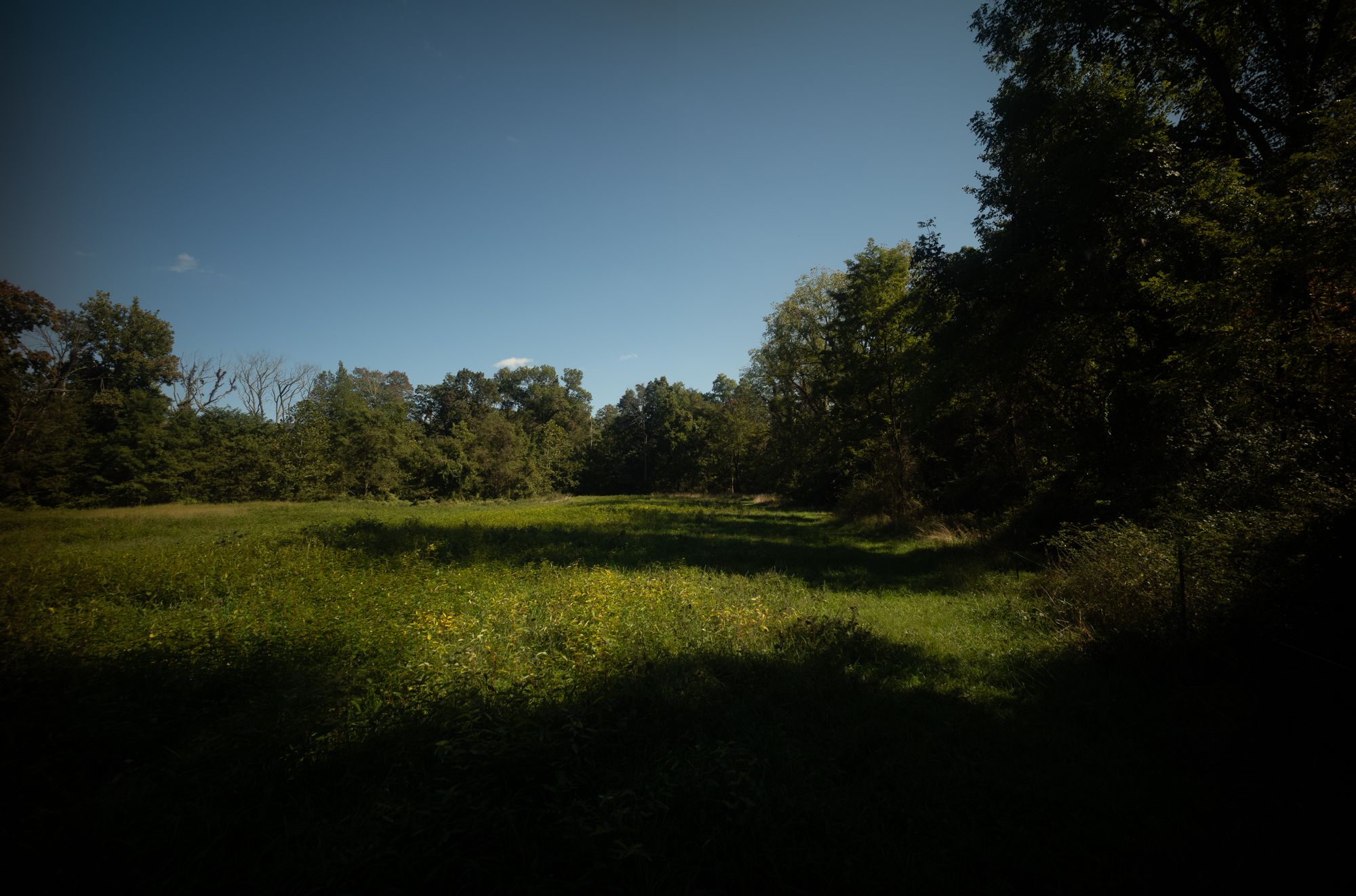
Tap has entered an extended experimental phase. Most of what's driving development comes from using it on a small farm — keeping track of willow plantings, counting goose eggs, and anything that comes up while we work on this piece of land.
To make Tap work better for that kind of use and to figure out what it should become next, we've temporarily suspended new signups. Existing accounts keep working as they always have.
If you'd like to follow along, the blog is the the place for specifics on Tap and we're covering the farm on Substack.
What to do with observations
Capture them
Open Tap on the web and write a line. Or send one in through the API. Every record gets a timestamp without you having to think about it.
Add structure as you need it
Plain text is fine. Most observations start that way and stay that way. When you want more out of them, add a few marks:
/foldersfor projects and contexts+beans:valuefor tracking quantities#tagsfor categorization!eventsfor moments worth marking
Use as much or as little as you like. Folders, tags, and beans are whatever you decide they mean.
Use what you've got
Browse the timeline. Sum your beans with a formula. Pull everything down through the API and run it through whatever tool you prefer. The point of collecting observations is being able to use them later — Tap tries to optimize intake and output as much as possible.
A few examples:
None of these categories are required. They're just what we happen to track.
Spells, for when you'd rather not remember
A Spell is a scheduled prompt or digest. Set one up to text you at 5pm asking what you accomplished today, or to email a digest of the week's observations every Sunday morning. Whatever helps you keep collecting.

Text Reminder
Need a nudge? It could make all the difference.

Email Digest
What’s the point of writing it down if you never look at it?
Your observations stay yours
- Export your full history any time (we call this SaaS to-go).
- Use the API to build whatever you want on top of your data.
- The core parsing engine is open source.
- No lock-in. Your records are plain text underneath.
Start with one observation
Pick something small — what you ate for breakfast, what you got done this morning, when the chickens started laying. Write it down. Then write the next one tomorrow.
If you find collecting observations useful, keep going!